

What does “Instagram video to prompt generator” mean?
An Instagram video to prompt generator is a tool that helps turn an Instagram Reel or video into a written description for an AI video generator. The description may cover the subject, setting, visual style, lighting, camera angle, movement, pacing, and important actions. In practice, people use this kind of tool to study a Reel they like and create a starting point for a new video.
The phrase can describe two different jobs. First, a tool may look for a prompt that the creator publicly disclosed in the video description, caption, comments, or related post. If that text exists, finding it is closer to locating source information than analyzing the pixels. Second, when no prompt is available, an AI vision model can inspect representative frames and reconstruct a plausible prompt from what is visible.
That distinction matters because a reconstructed prompt is an informed interpretation, not proof of what the creator typed. The original video may have been edited after generation, made from several prompts, or produced with settings and reference images that are not visible in the final Reel. A useful generator should label these outcomes clearly instead of presenting an educated guess as an exact extraction.
What can a tool identify from an Instagram video?
A good analysis can describe visible details with practical specificity. For example, it might identify a close-up of a glass perfume bottle on a reflective black surface, warm amber rim lighting, slow forward camera movement, shallow depth of field, and a luxury advertising style. Those details give you material to test in a video model, even when the original wording is unknown.
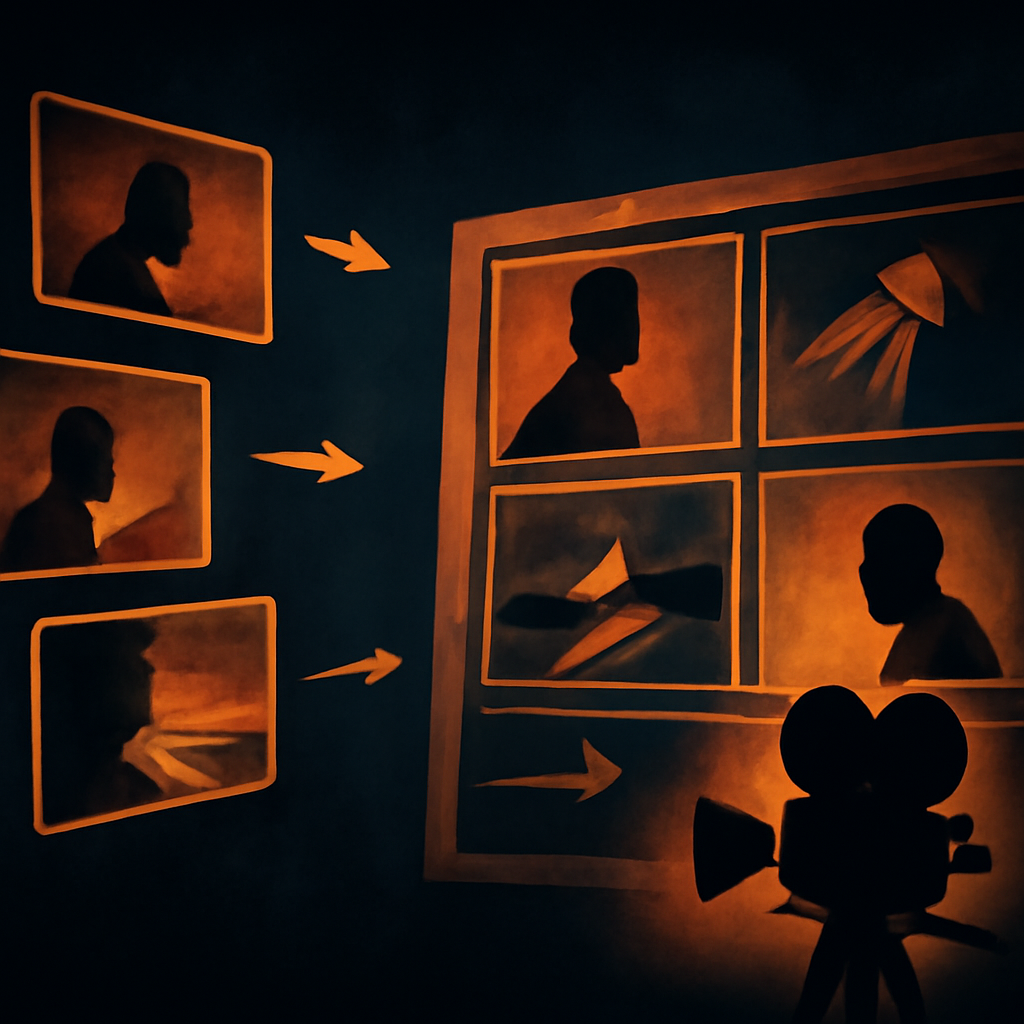
It can also help break down motion and structure. A short Reel may begin with a wide establishing shot, cut to a hand opening a package, and finish with a rotating product reveal. Frame-based analysis can estimate the order of those moments, the apparent camera movement, the composition, and the relationship between subject and background. It cannot reliably recover every transition, sound cue, or hidden instruction from a few still frames.
For creative work, this makes the result more useful as a production brief than as forensic evidence. You can take the generated description, replace the product, change the color palette, or ask for a different aspect ratio. Studying Instagram Reels guide material can also help you understand how short-form pacing and visual choices affect the final prompt.
What it cannot know from pixels alone
No tool can read an exact original prompt out of video pixels. A rendered video contains the visual result, not the text instructions, model settings, seed, reference image, negative prompt, or editing history used to produce it. Two very different prompts can create similar footage, while the same prompt can produce different results depending on the model and settings.
This limitation is especially important with Instagram content. Reels are often cropped, compressed, color-graded, captioned, sped up, or combined with stock footage. A creator may also use image-to-video generation, masking, motion controls, and several rounds of editing. If a tool says it has recovered the one true prompt solely from the finished video, treat that claim skeptically.
Look for transparent wording such as “creator-disclosed prompt” or “reconstructed prompt.” The first should point to text found in a public source and may still be incomplete. The second should explain that the wording is a best-effort guess based on visible evidence. That honesty helps you decide whether to copy the result, verify it against the creator’s post, or use it only as creative inspiration.
A practical workflow for analyzing an Instagram Reel
Start with the cleanest source available. If the Reel has a caption or comment thread, check those first for phrases such as “prompt,” “made with,” or a full generation description. Save relevant context, including whether the creator says the clip is AI-generated and whether the video contains multiple scenes. Publicly disclosed text is more reliable than visual reconstruction, but it can still describe only one part of a larger workflow.
If no prompt is disclosed, upload the video or use the supported link workflow, depending on the tool. The system may extract frames in your browser and send visual information for analysis without keeping the uploaded file. Review the output scene by scene: subject, environment, composition, lighting, camera motion, action, style, and timing. Correct obvious assumptions, such as calling a synthetic object “glass” when the material is uncertain.
Then convert the result into a prompt for your chosen video model. Add details the analyzer could not infer, including duration, aspect ratio, dialogue, audio, text placement, brand constraints, and the exact action you want. Generate a short test before attempting a full campaign. Comparing that test with the reference Reel will show which parts of the reconstruction were useful and which need rewriting.
Common mistakes when using a video-to-prompt tool
One mistake is treating every visual description as an instruction. “A person stands in a blue room” describes a scene, but it does not specify what the person should do, how the camera should move, or how the shot should progress. A stronger prompt separates subject, action, setting, cinematography, lighting, style, and temporal order so the video model has a clearer job.
Another mistake is asking for one prompt for a Reel that contains many unrelated shots. A fifteen-second product video may include a macro detail, a lifestyle shot, a transition, and a final logo card. Analyze each meaningful shot separately when possible, then combine the strongest descriptions into a storyboard. This usually produces a more controllable result than one oversized paragraph.
Finally, do not ignore rights, privacy, or misleading reuse. A prompt reconstruction can help you learn from composition and production technique, but it does not grant permission to copy a person’s likeness, brand campaign, or distinctive creative work. Use the output to develop original variations, and confirm that any source material is appropriate for your intended project.
Use the result as a starting point, not a promise
The best Instagram video to prompt generator gives you a faster way to move from watching to making. It can surface visual ingredients that are easy to overlook, such as a slow push-in, backlight through haze, a locked-off product shot, or a deliberately shallow focus pull. Those observations can save time when you are building references, treatments, storyboards, or new generation prompts.
Keep your expectations realistic: a disclosed prompt may be the closest thing to the original, while a reconstructed prompt is a useful approximation. Neither result guarantees the same output in another model. Treat the generated text as editable, test it in small sections, and add information about your own subject, audience, duration, and platform requirements.
If you want to inspect a Reel for a disclosed prompt or generate a clearly labeled best-effort reconstruction when none is available, try the video-to-prompt tool. It is designed to help you understand what a video shows without pretending that pixels can reveal hidden instructions with perfect accuracy.




Leave a Reply