
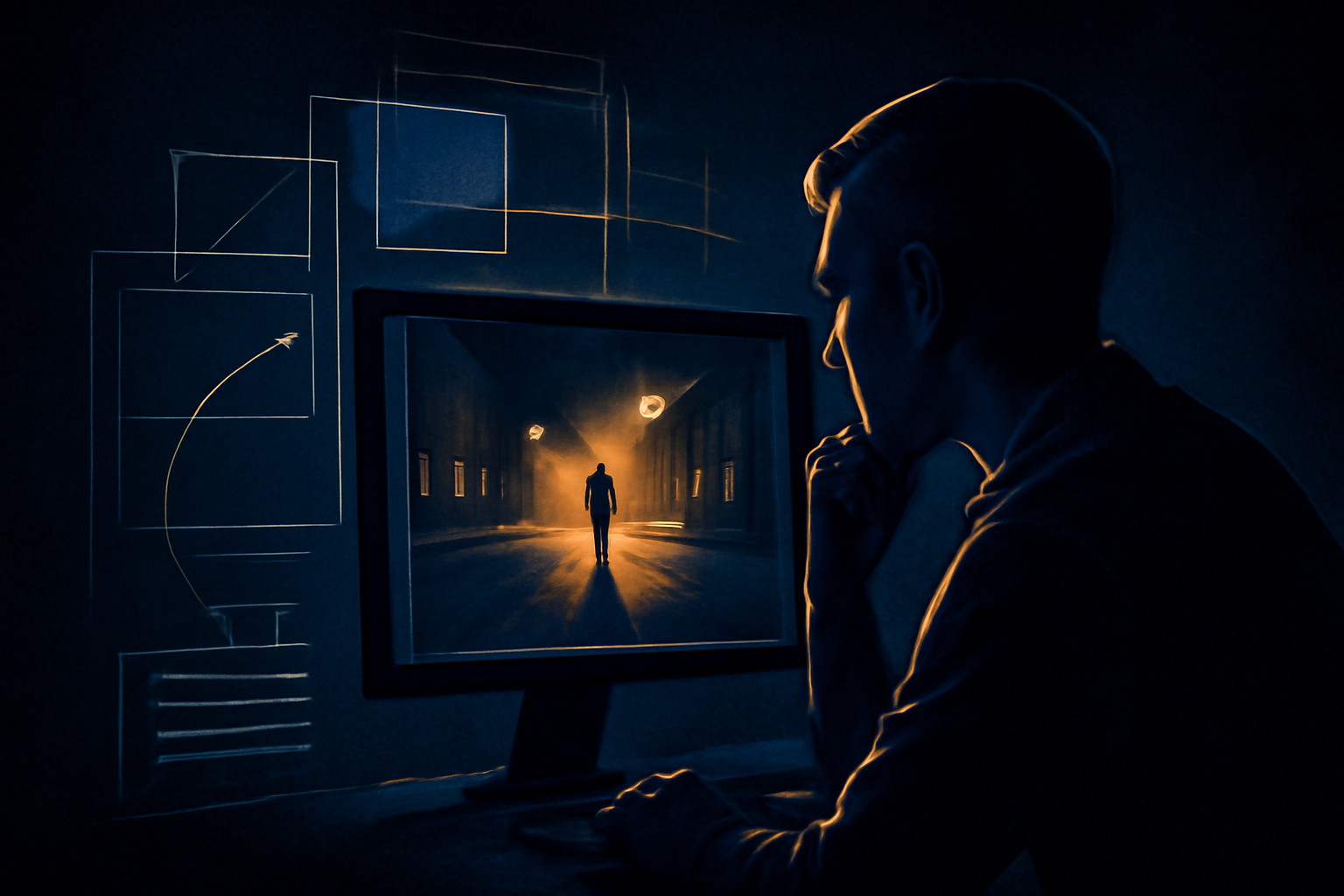
What does it mean to reverse engineer an AI video prompt?
To reverse engineer an AI video prompt means to study an existing video and work backward toward a description that could produce something similar. That description may cover the subject, setting, visual style, lighting, camera movement, action, pacing, and apparent generation model. People search for this process when they see an impressive AI clip and want to understand how it may have been made.
The phrase can describe two different tasks. In the first, a tool looks for a prompt that the creator has actually disclosed in the YouTube description, pinned comments, or other public text. In the second, an AI vision model examines visual evidence and writes a best-effort reconstruction. Those results should never be treated as the same kind of information.
The distinction matters because a finished video does not contain a readable copy of its original prompt. Pixels can show a glowing city, a slow camera push, or a character turning toward the lens, but they cannot prove which words, settings, reference images, seed, or editing decisions produced those results.
What a reverse engineering tool can realistically find
A useful tool starts with the evidence that is most reliable: creator-published text. For a YouTube video, that can include the description, expanded description fields, pinned comments, and ordinary comments where the creator or another participant has shared prompt details. If a prompt is present, the tool can identify it as disclosed rather than inventing a visual interpretation.
When no prompt is published, video analysis can still produce practical information. A vision model may recognize a close-up of a robot walking through a rain-soaked alley, describe neon reflections and shallow depth of field, and infer a handheld tracking shot. It can organize those observations into a prompt-style brief that is useful for testing in a video generator.
That reconstruction is an informed guess, not forensic recovery. Several very different prompts could lead to similar footage, and the visible result may also reflect image references, motion controls, edits, upscaling, sound design, or multiple generated clips. A responsible result should label whether it found disclosed text or reconstructed likely creative attributes.
Why the original prompt cannot be extracted from pixels alone
AI video generation is not a reversible process. The model combines text and sometimes images, parameters, randomness, and internal behavior to create frames. Once those frames are exported, the wording that influenced them is not embedded in a way that another tool can simply read back. A video file contains media data and metadata, not a guaranteed transcript of the generation request.
Consider a shot of a woman in a yellow coat standing on a windswept beach. The original prompt might have said “cinematic coastal fashion film,” or it might have described a specific lens, wardrobe, weather condition, and emotional beat. It might also have used a reference image with almost no descriptive text. The final appearance alone cannot decide between those possibilities.
This is why claims about extracting the exact hidden prompt from any video should be treated cautiously. A reconstructed prompt can be excellent for recreation and creative analysis, but it remains a plausible explanation. The most trustworthy tools make that limitation visible instead of presenting a generated caption as the creator’s private original.

How to reverse engineer an AI video prompt step by step
Start by gathering the best available source. A public YouTube URL is useful when you want to inspect creator text, while an uploaded video file is useful when you already have the clip on your device. Watch the full video first and note whether it appears to be one continuous generation, a montage, or an edited sequence of separate shots.
Next, separate observable facts from assumptions. Facts might include a wide shot, a blue-hour palette, a subject running from left to right, and a gradual forward camera movement. Assumptions might include the model used, the exact lens, the seed, or the wording “highly detailed.” Keeping those categories separate makes the final prompt more honest and easier to revise.
Finally, turn the observations into a testable prompt. Include the main subject and action first, then environment, composition, lighting, motion, style, and duration if relevant. If the clip changes scenes, create a shot-by-shot outline rather than forcing every visual detail into one long sentence. Generate a new version and compare its motion and composition with the reference.
Common mistakes when reconstructing prompts
One common mistake is confusing a visual description with the original instruction. Words such as “cinematic,” “photorealistic,” and “dynamic” may describe the outcome, but they do not prove that the creator used those terms. They can still be useful in a recreation prompt; they simply need to be presented as suggested language rather than recovered evidence.
Another mistake is ignoring post-production. A short social video may contain cuts, speed changes, stabilization, color grading, sound effects, subtitles, and transitions added after generation. If a tool analyzes the exported result without accounting for editing, it may describe a camera move that was actually created by cropping or joining several clips.
It is also easy to over-specify details that are uncertain. If a frame does not clearly reveal the camera model, exact focal length, or generation platform, those details should be described cautiously or left out. A shorter prompt based on strong evidence is often more useful than a polished paragraph filled with unsupported technical guesses.
A practical way to use the result
Use a reconstructed prompt as a starting point for experimentation, not as a claim about authorship. Test the broad structure first: subject, action, environment, composition, and camera motion. Once the result is close, adjust one variable at a time, such as the lighting direction, movement speed, lens feel, or level of realism. This makes it easier to learn which wording changes the output.
If you are analyzing a YouTube clip, compare the tool’s result with any text the creator has published. A disclosed prompt can provide a valuable baseline, while the visual reconstruction can reveal details the text did not mention. If you are working with an uploaded file, browser-based frame analysis can help inspect representative moments without requiring the video to be stored on a server.
For a quick comparison between a creator-disclosed prompt and an AI-generated best guess, see disclosed and reconstructed prompts. When you are ready to analyze a YouTube video or upload a clip, try the reverse engineer AI video prompt tool. It will clearly distinguish found prompt information from a visual reconstruction so you know what is evidence and what is an informed estimate.




Leave a Reply