
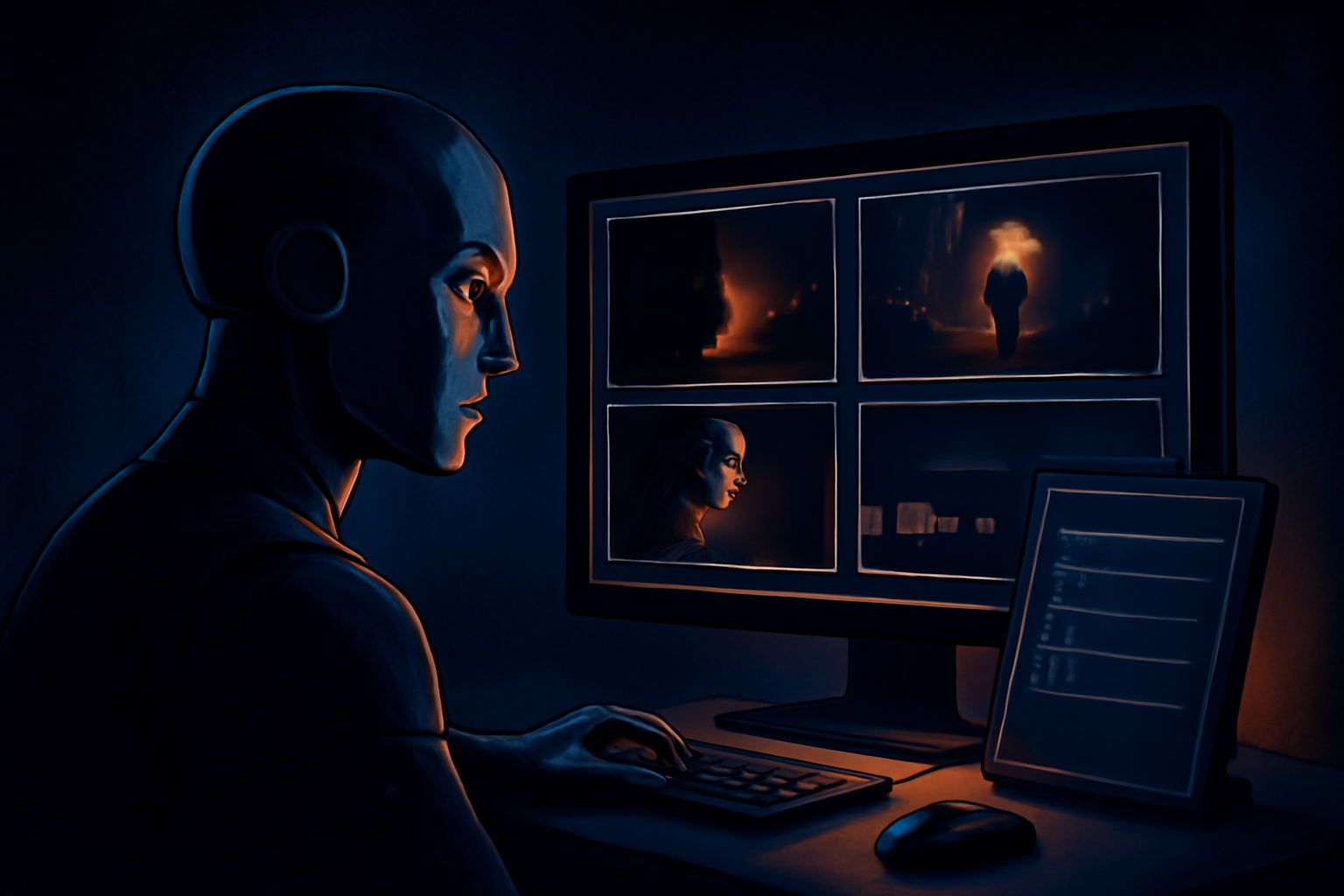
What does “Veo prompt generator from video” mean?
A Veo prompt generator from video is a tool that examines an existing video and produces a text prompt designed to describe or recreate its visible qualities in Google Veo or another AI video model. People search for this when they see a compelling clip and want to understand its subject, setting, camera movement, lighting, mood, and visual style.
The phrase can describe two different processes. First, a tool may check the video’s YouTube description or comments for a prompt that the creator publicly disclosed. If that text is present, it can be surfaced as a creator-provided prompt. Second, when no prompt is available, an AI vision model can inspect representative frames and write a best-effort reconstruction based on what those frames appear to show.
That distinction matters because a reconstructed prompt is not the hidden original. Video pixels do not contain a recoverable copy of the text entered into Veo. The same result might have been produced with many different prompts, editing steps, reference images, settings, or revisions. A useful tool should label the result clearly instead of claiming it extracted an exact prompt.
What can a Veo video-to-prompt tool identify?
A vision-based analyzer can usually describe observable details with reasonable usefulness. These may include a person walking through a rainy city, a close-up product shot on a reflective surface, a wide landscape at sunset, or an animated creature moving through a futuristic corridor. It can also suggest colors, composition, apparent lens perspective, depth of field, contrast, weather, and the overall cinematic tone.
Motion is more difficult, but a sequence of frames can still provide clues. The output might describe a slow dolly forward, a handheld tracking shot, a camera orbit, a rack focus, drifting smoke, rippling fabric, or a character turning toward the lens. These descriptions are interpretations of visible change, not measurements of the original camera instructions. Fast cuts, motion blur, and sparse frame sampling can make movement especially hard to infer.
A generated prompt can therefore function as a practical starting point for recreation. It may help you reproduce the broad concept, such as “a macro shot of a glass perfume bottle in warm window light,” while leaving you to adjust timing, subject behavior, aspect ratio, and strength of motion inside Veo. For more background, see this guide to Veo prompt from video.
What it cannot know from the video alone
No tool can reliably determine the exact original Veo prompt from pixels alone. The finished clip does not reveal whether the creator wrote “cinematic,” selected a particular preset, used a reference image, generated several variations, or edited multiple outputs together. It also cannot prove which words were responsible for a specific visual detail.
Some information is simply invisible in the final result. A video analyzer generally cannot know the creator’s negative prompt, seed, model version, duration setting, guidance controls, upscaling workflow, or the prompts used for earlier failed attempts. It may also mistake post-production for generation: a color grade can look like a prompt instruction, and a speed change can look like an unusual motion command.
This is why trustworthy results use language such as “reconstructed prompt,” “likely camera movement,” or “observed visual style.” Treat the output as an informed interpretation, not forensic evidence. If the creator has actually published the prompt, that disclosed text should be kept separate from the AI-generated guess.

How the reconstruction process usually works
A typical workflow starts by getting access to the video. For an online YouTube video, the tool may inspect the description and comments for creator-supplied prompt text before analyzing visual content. For an uploaded file, it can extract frames in the browser and send the relevant visual information for analysis without needing to preserve the original file as a permanent upload.
The system then examines selected frames rather than treating the video as one perfect, continuous source of knowledge. Frame selection should cover the opening composition, important subject actions, changes in location or lighting, and the final visual state. A single frame may show the subject clearly but hide the camera movement, while too many nearly identical frames can add processing time without adding useful evidence.
Finally, a vision model turns those observations into prompt language. A strong result normally separates subject and action from environment, camera behavior, lighting, color, atmosphere, and style. It may also mention uncertainty when the footage is ambiguous. This approach is more honest and useful than presenting a polished paragraph as though it were recovered from the model’s internal history.
How to make a reconstructed Veo prompt more useful
Start by comparing the generated description with the actual clip and correcting obvious errors. If the tool calls a shot a drone view but the horizon and parallax suggest a crane or forward camera move, revise that phrase. If a person’s identity, clothing, or action is unclear, use less specific wording rather than adding invented details that could steer Veo in the wrong direction.
Next, divide the prompt into controllable parts. Describe the main subject and action first, then the setting, composition, camera movement, lighting, color palette, and motion quality. For example, a reconstruction might become more usable when “a woman in a city” is refined into “a lone cyclist passing neon storefronts at night, medium tracking shot, wet pavement reflections, shallow depth of field, restrained cinematic movement.”
Keep expectations realistic when testing the result. Recreating the same general mood is often achievable; reproducing identical faces, object positions, timing, and frame-by-frame motion usually is not. Run several variations, change one element at a time, and use the original clip as visual reference rather than assuming the first generated result will match it.
Try a Veo prompt generator from video
The most useful reason to use this type of tool is not to uncover secret text. It is to turn visual inspiration into an editable description you can study, adapt, and test. That can save time when you are analyzing a reference clip, planning an ad, rebuilding a storyboard, or learning how camera language translates into AI video prompts.
Before relying on the output, check whether it is based on a creator-disclosed prompt or a reconstructed interpretation. Review the details against the footage, remove assumptions, and treat uncertain camera or motion descriptions as suggestions. This simple review step makes the result more accurate and prevents a plausible-sounding guess from being mistaken for historical fact.
When you are ready to analyze a YouTube video or upload a clip for frame-based reconstruction, try the video prompt tool. It can help you find a disclosed prompt when one exists and clearly label a best-effort reconstruction when the original prompt is not available.




Leave a Reply