

What does “video to prompt generator AI” mean?
A video to prompt generator AI is a tool that examines a video and produces a text description suitable for an AI image or video generator. People use these tools when they see an interesting clip and want to understand its visual ingredients: the subject, setting, lighting, composition, motion, camera behavior, and overall style.
The phrase can describe two different processes. First, a tool may search the video’s description or comments for a prompt that the creator has openly shared. That is closer to finding an existing prompt. Second, if no prompt is disclosed, an AI vision model can inspect selected frames and reconstruct a best-effort prompt based on what is visible.
That distinction matters. A video-to-prompt system does not read hidden metadata from ordinary pixels, and it cannot prove which exact words originally produced a clip. Its output is an informed interpretation, not a recovered secret. A useful tool should label the result clearly as either creator-disclosed or AI-reconstructed.
What information can an AI reconstruct from a video?
Vision models are often good at describing visible details. For example, they may identify a red vintage car driving through a rainy city at night, reflections on the pavement, a shallow depth of field, neon lighting, and a low tracking shot. They can also turn these observations into a structured prompt with sections for subject, environment, action, camera, lighting, and style.
Motion is more difficult than a single still image, but a sequence of frames gives the model additional clues. Comparing frames can reveal whether a person is walking, an object is rotating, the camera is panning, or the scene is transitioning. The result may include useful language such as “slow dolly forward,” “handheld movement,” or “the subject remains centered while the background shifts.”
There are still limits. A model may confuse a zoom with a camera move, infer the wrong lens, or describe an implied action that never clearly appears. It may also miss editing rhythm, sound design, hidden prompting instructions, or production details that are not visible. Treat the result as a strong starting description rather than a forensic record.
Disclosed prompt versus reconstructed prompt
When analyzing a YouTube video, the first useful step is checking the description and comments. A creator may have posted the original prompt, a shortened version, or a list of settings. In that case, the tool can surface the creator-disclosed text and preserve its source distinction instead of presenting a visual guess as fact.
If no prompt is available, the tool can analyze the video itself. For an uploaded file, this may involve extracting frames in the browser and sending visual information for analysis without storing the video. The generated wording describes what the model believes was visible; it does not recreate the exact private workflow, model settings, reference images, seed, editing steps, or negative prompt used by the creator.
For a deeper explanation of this difference, see this guide to reconstructed prompts. Keeping the two categories separate helps you evaluate results honestly and avoid the common mistake of calling an approximate description the “original prompt.”
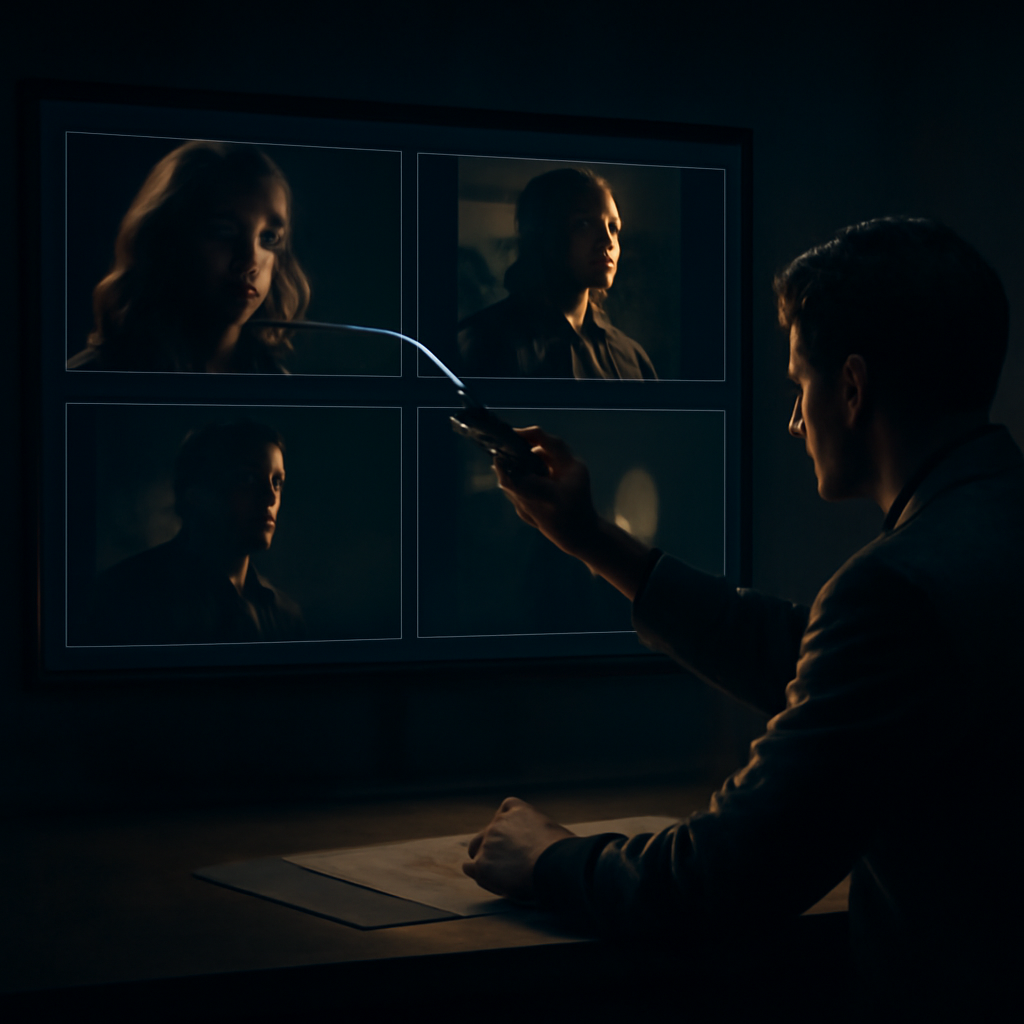
How to get better results from a video-to-prompt tool
Start with a video that has a clear subject and reasonably visible frames. A short clip with steady lighting is usually easier to analyze than a heavily edited montage full of fast cuts, overlays, motion blur, and text. If you are uploading a file, choose a section that actually contains the look or movement you want to recreate rather than an intro or transition.
Decide what kind of output you need before reviewing the result. For a text-to-video model, camera movement and temporal action are important. For an image generator, composition, subject details, environment, lens impression, and lighting may matter more. You can ask a reconstruction to emphasize a product shot, a cinematic atmosphere, a character design, or an advertising layout.
Use the generated prompt as an editable draft. Remove details that are wrong, replace generic wording with specifics, and add constraints the original clip does not reveal. For example, you might specify a six-second duration, a locked camera, a 16:9 frame, or a clean background. Testing several variations is more productive than expecting one reconstruction to reproduce the clip immediately.
Common mistakes and realistic expectations
The biggest mistake is assuming that visual similarity proves prompt recovery. Many different prompts can produce clips with similar subjects and lighting, especially when a creator used reference images, image-to-video workflows, control tools, or substantial post-production. A generated prompt can match the appearance while being completely different from the words originally used.
Another mistake is copying every adjective without checking whether it is useful. Terms such as “epic,” “beautiful,” and “cinematic” may reflect a general impression but provide less control than concrete instructions about framing, movement, color, contrast, setting, and subject behavior. A shorter, accurate prompt is often easier to test than a long paragraph packed with guesses.
Expect the best results when the goal is creative analysis, prompt drafting, or style study. These tools can help you understand why a clip feels atmospheric or how its camera movement might be described. They cannot certify authorship, reveal hidden settings, recover an exact seed, or guarantee that another generator will produce the same frames.
Try a video to prompt generator AI
A practical workflow is simple: provide a YouTube link or upload a video file, check whether the creator disclosed a prompt, and then review the AI reconstruction if no source prompt is available. Read the labels carefully, compare the wording with the actual frames, and edit the output for the generator you plan to use.
This approach is useful for studying references, developing ad concepts, documenting visual direction, or turning a compelling clip into a repeatable creative brief. It also keeps expectations grounded: the tool explains what can be observed and offers a plausible reconstruction, while the original prompt remains unknown unless the creator shared it.
If you want to test the process, try the video to prompt generator AI tool. Use its output as a transparent, editable starting point for your own experiments—not as a claim that pixels can reveal words that were never published.




Leave a Reply